

Description
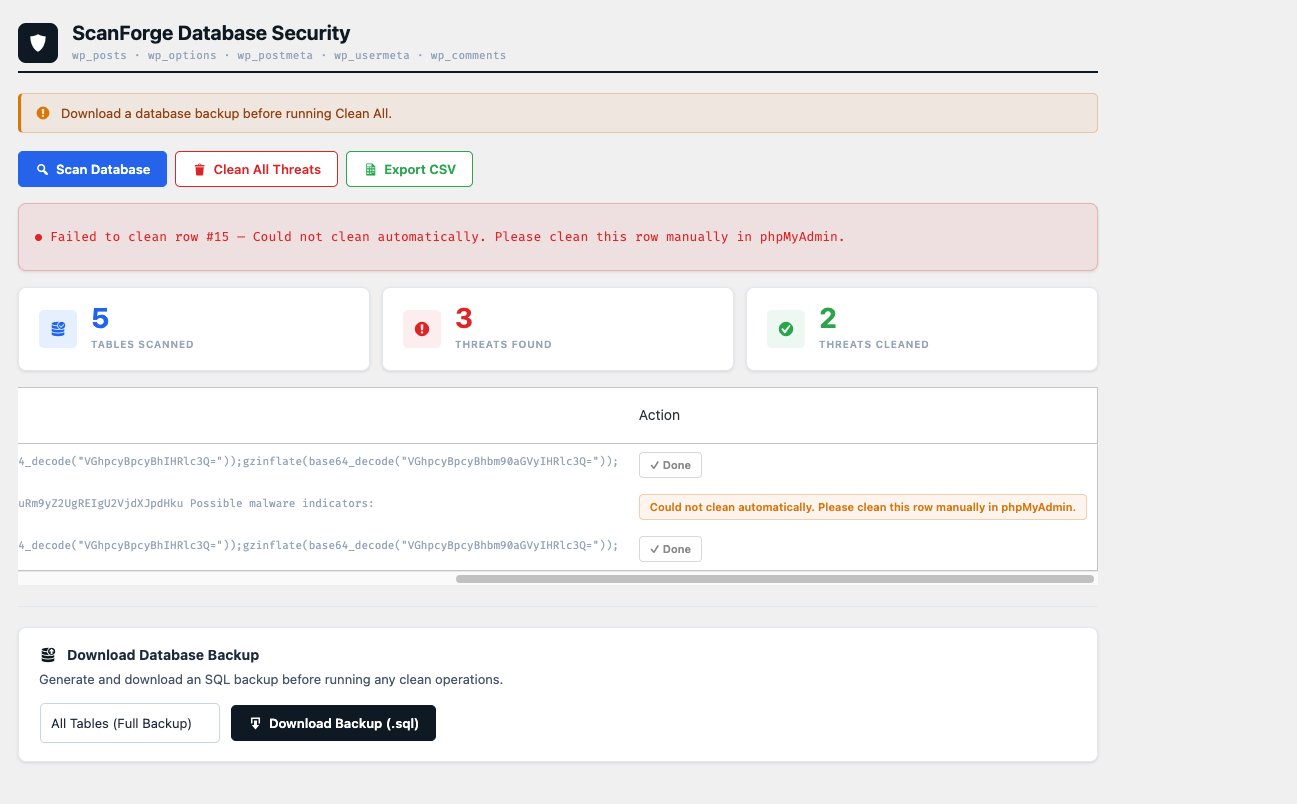
ScanForge Database Security helps WordPress administrators find and remove malicious code injected into the database. It scans common WordPress database tables for known malware patterns including traffic hijacking scripts, base64 encoded payloads, web shells, and other malicious injections.
Features
- Scans wp_posts, wp_options, wp_postmeta, wp_usermeta, and wp_comments tables
- Detects 15+ known malware patterns
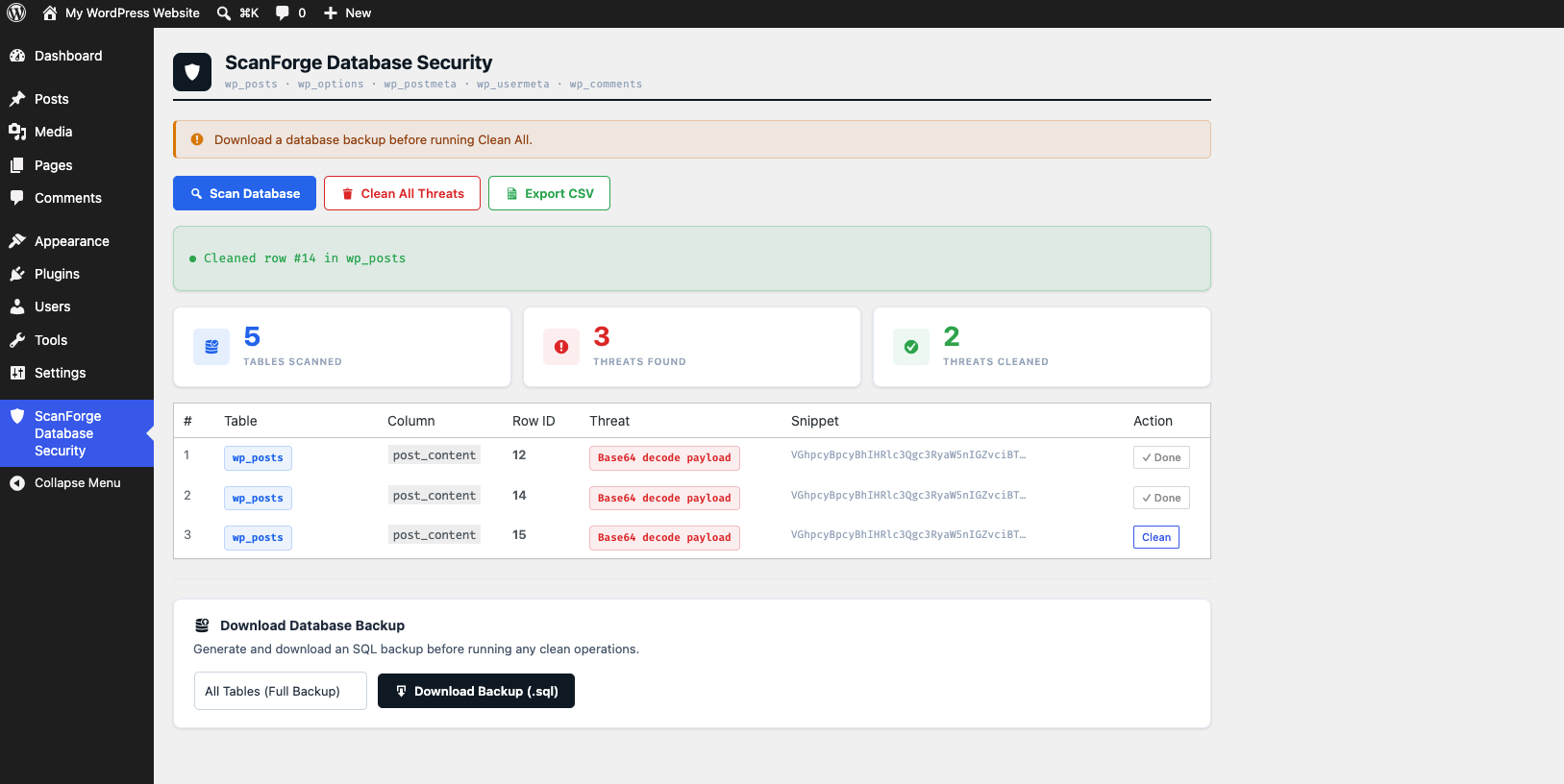
- Clean individual rows or all threats at once
- Export scan results as CSV report
- Simple and easy to use admin interface
- No external service required — runs entirely on your server
- Follows WordPress coding standards
Detected Threats
- Traffic hijacking scripts (e.g. searchranktraffic.live)
- Nulled plugin backdoors (e.g. wordpressnull.org)
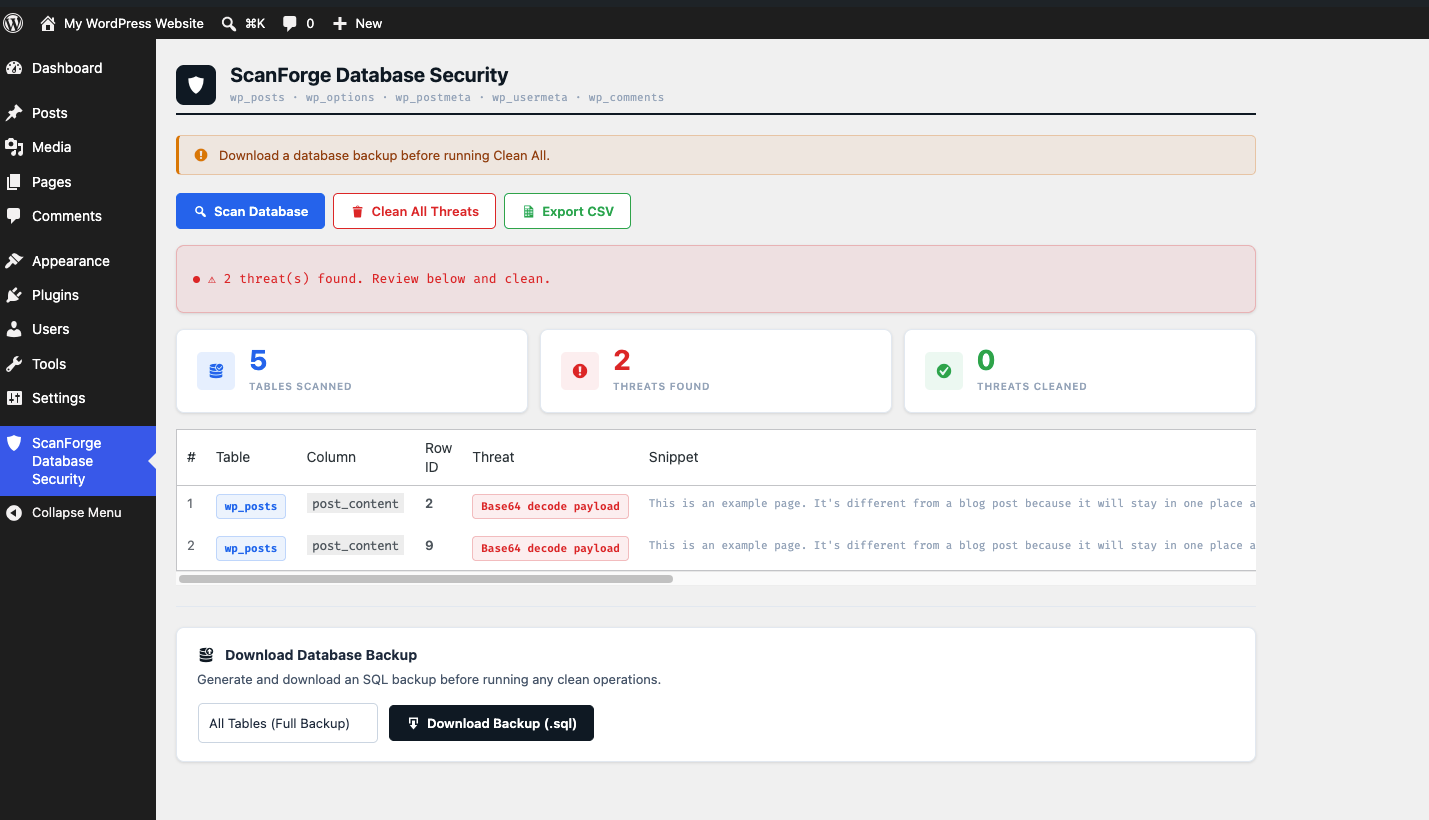
- Base64 encoded payloads
- Obfuscated eval() injections
- Dynamic script injections
- Tracking cookie injections
- Character code obfuscation
- Shell execution attempts (shell_exec, passthru)
- Web shells (FilesMan, c99shell, r57shell)
Important Notice
This plugin helps clean database infections but it does NOT prevent reinfection if the source of the malware (such as nulled/pirated plugins or themes) is still installed. Always remove nulled software and use legitimate licensed plugins to permanently fix infections.
Usage
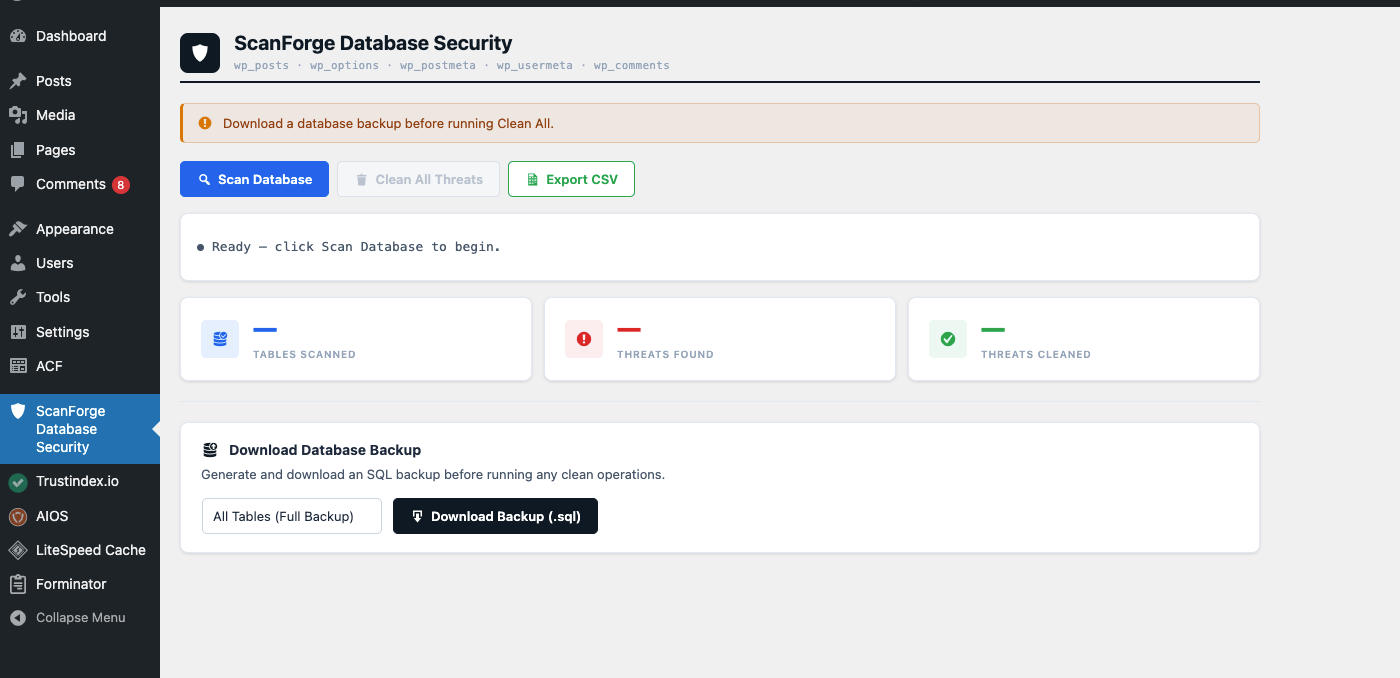
- Go to ScanForge Database Security in your WordPress admin menu
- Click Scan Database
- Review the threats found
- Click Clean All or clean rows individually
- Export a CSV report if needed
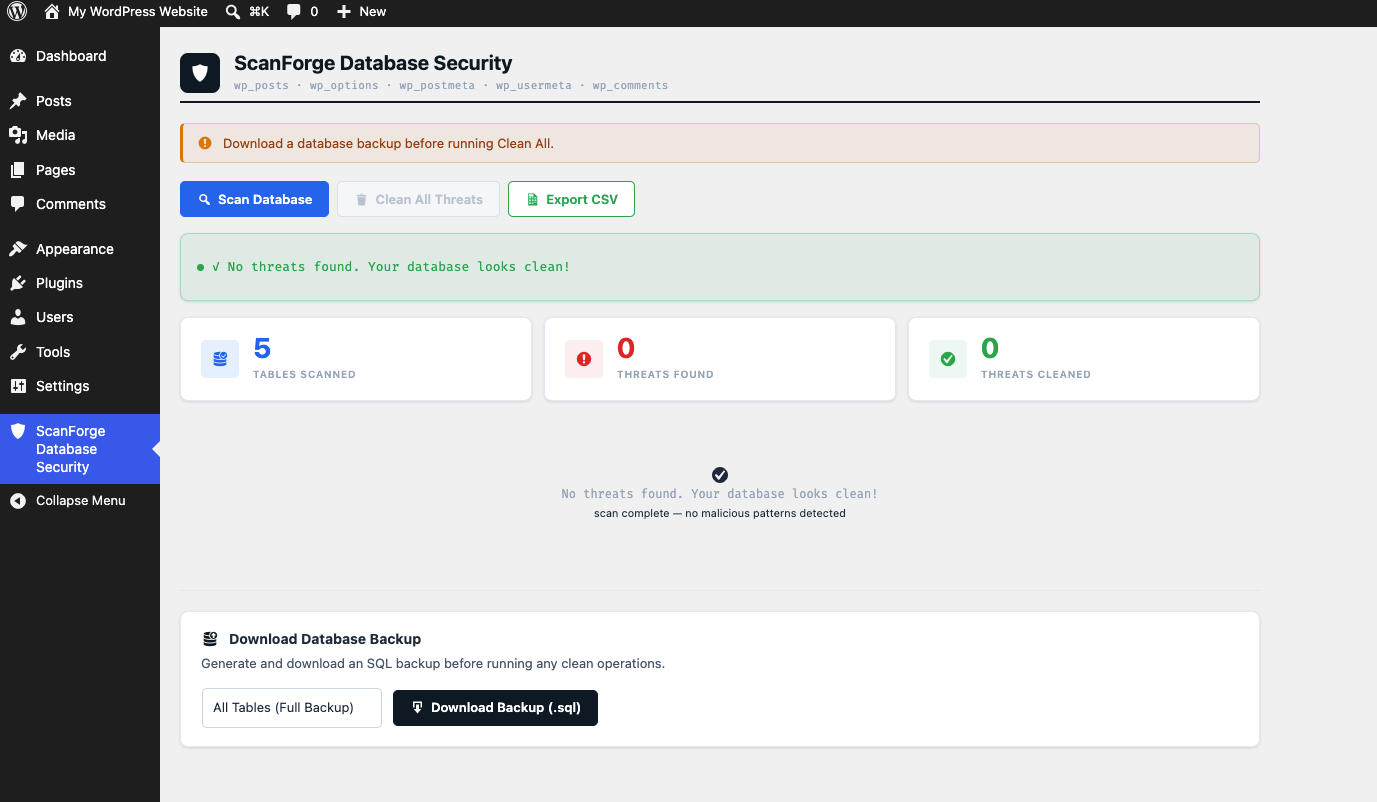
- Run the scan again to verify everything is clean
Screenshots
Installation
Automatic Installation
- Go to Plugins > Add New in your WordPress admin
- Search for “ScanForge Database Security”
- Click Install Now and then Activate
Manual Installation
- Download the plugin zip file
- Go to Plugins > Add New > Upload Plugin
- Upload the zip file and click Install Now
- Click Activate Plugin
After Installation
Navigate to ScanForge Database Security in your WordPress admin sidebar to start scanning.
FAQ
-
Will this plugin prevent future infections?
-
No. This plugin cleans existing infections. To prevent future infections you must remove all nulled/pirated plugins and themes, keep all software updated, and use a firewall plugin like Wordfence.
-
Is it safe to use Clean All?
-
Always take a full database backup before using Clean All. The plugin removes malicious script blocks while preserving your legitimate content, but a backup is always recommended.
-
What tables does it scan?
-
It scans: wp_posts, wp_options, wp_postmeta, wp_usermeta, and wp_comments.
-
Can I export the scan results?
-
Yes. After scanning, click the Export Report button to download a CSV file of all threats found.
-
Does it work with custom table prefixes?
-
Yes. The plugin uses WordPress’s $wpdb object which automatically handles custom table prefixes.
Reviews
There are no reviews for this plugin.
Contributors & Developers
“ScanForge Database Security” is open source software. The following people have contributed to this plugin.
Contributors
Translate “ScanForge Database Security” into your language.
Interested in development?
Browse the code, check out the SVN repository, or subscribe to the development log by RSS.
Changelog
1.0.0
- Initial release
- Scan wp_posts, wp_options, wp_postmeta, wp_usermeta, wp_comments
- Detect 15+ malware patterns
- Clean individual rows or all threats
- Export CSV report