
Description
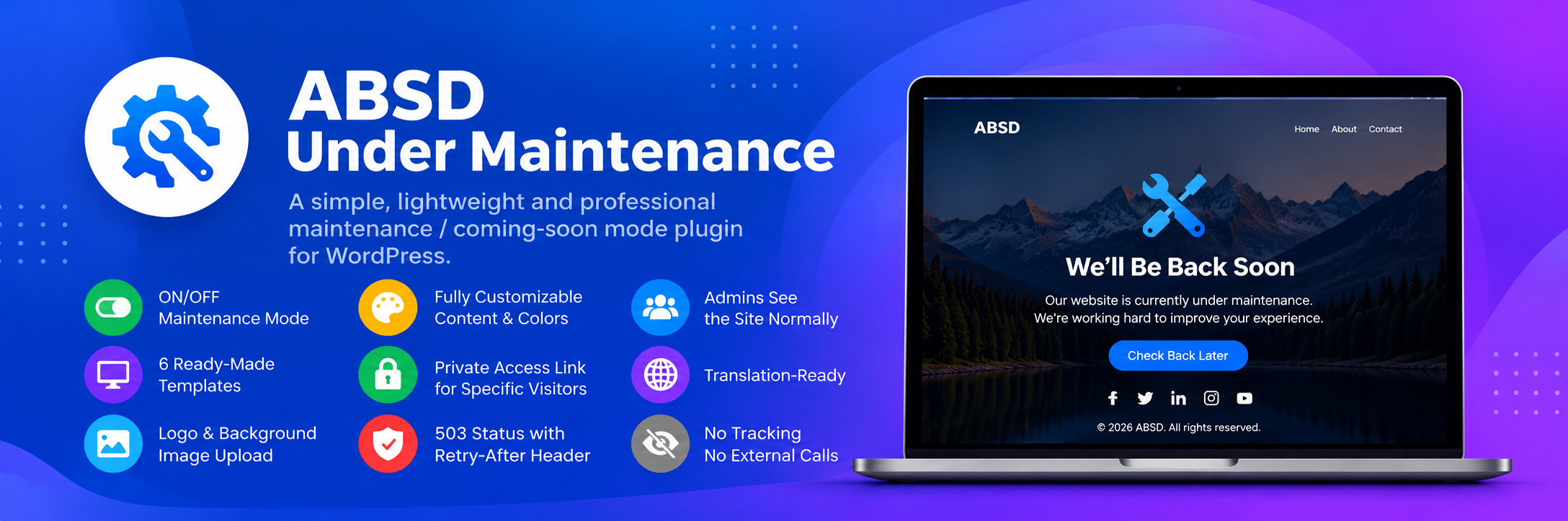
ABSD Under Maintenance lets you put your WordPress site into a clean, professional maintenance / coming-soon screen in seconds — no page builder required.
Features
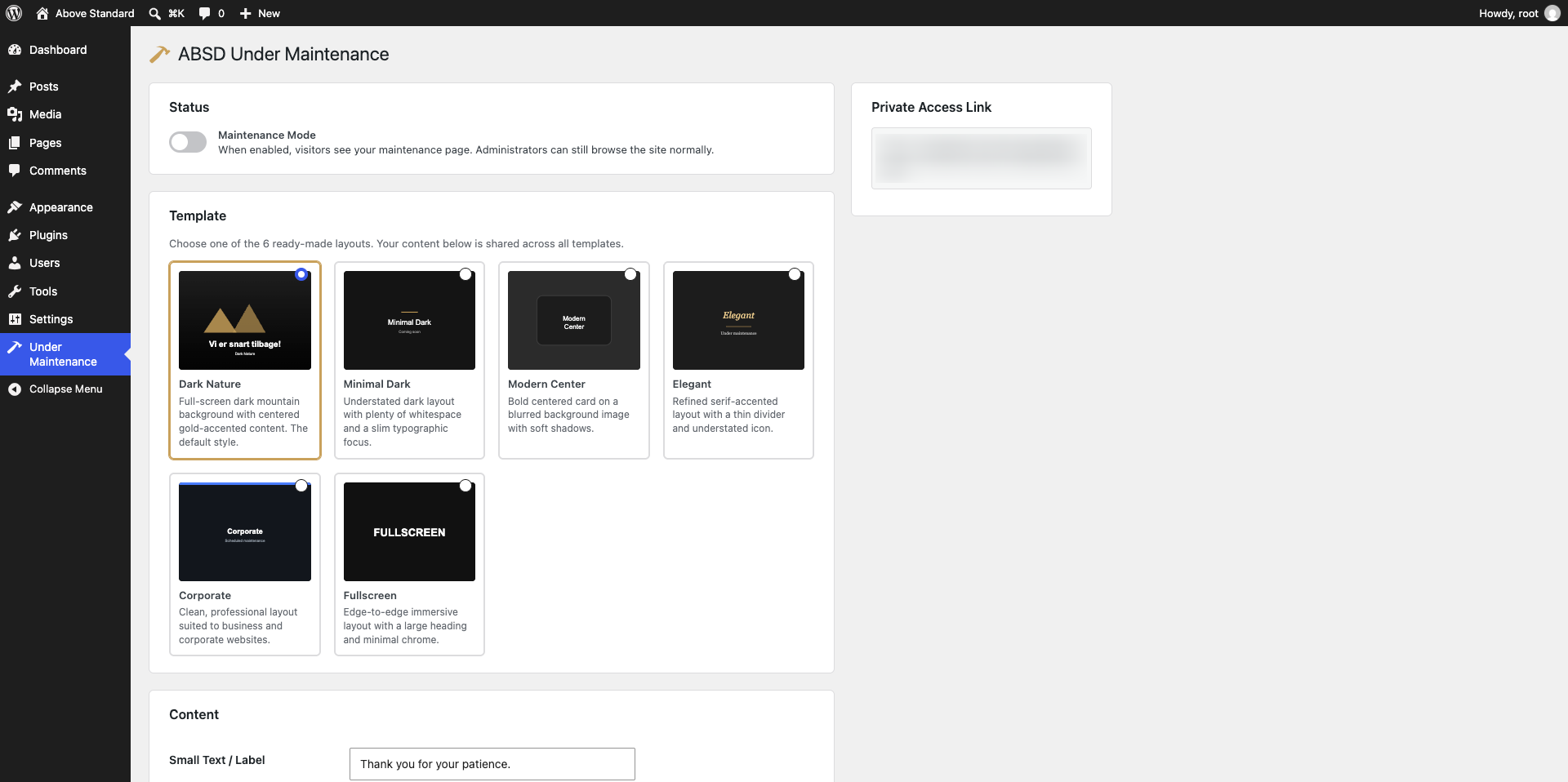
- ON/OFF maintenance mode toggle
- 6 professionally designed, fully responsive templates
- Live preview panel that updates automatically as you edit — see your changes before saving, with a desktop/mobile toggle and an admin-only full-screen preview link
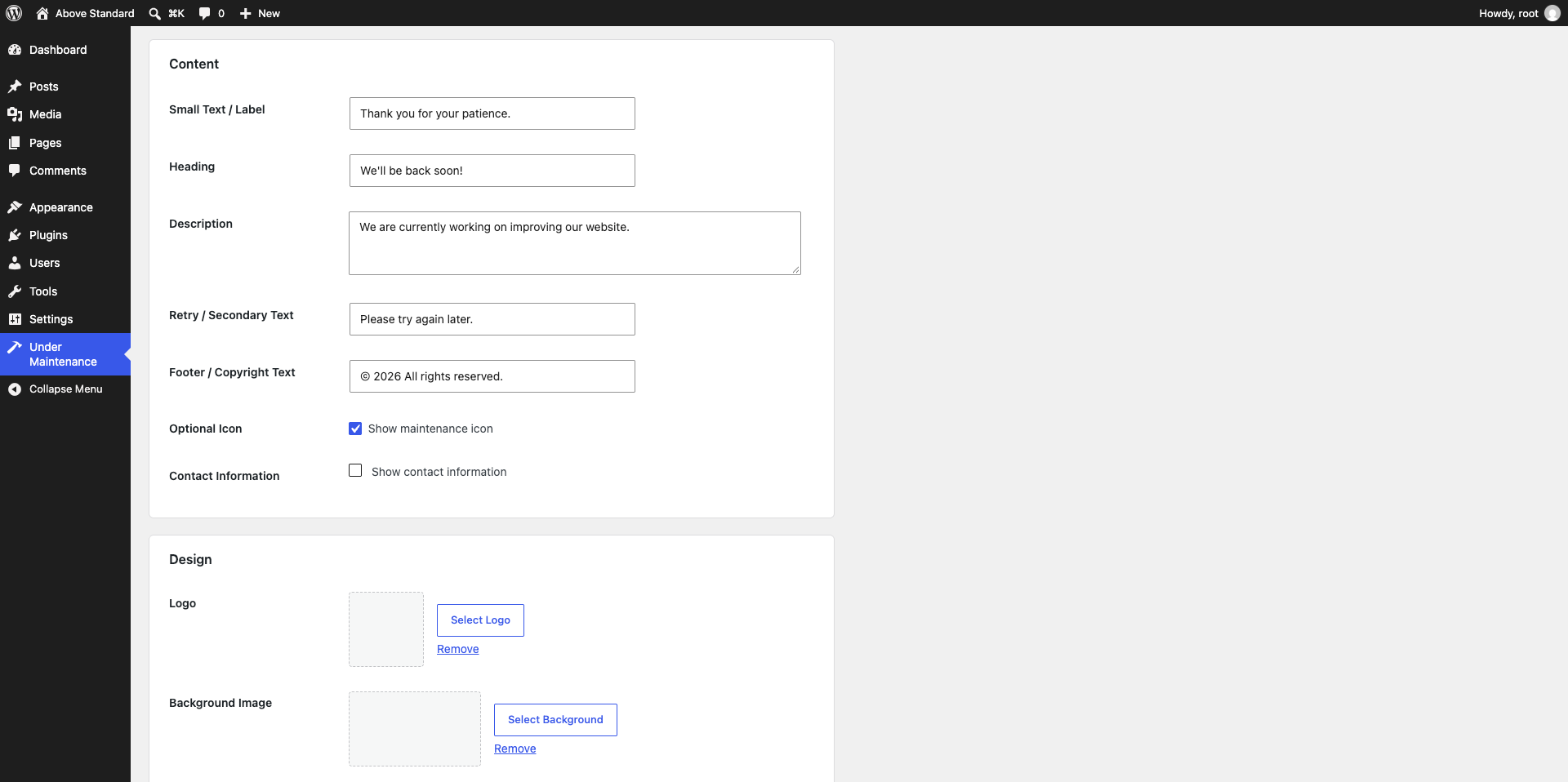
- Logo & background image upload via the Media Library
- Choice of 6 built-in maintenance icons, or upload your own custom icon image
- Adjustable overlay darkness and accent color
- Editable heading, description, small text, footer/copyright text, and retry text
- Optional contact information
- Private access: a secure, unpredictable link that lets specific visitors bypass maintenance mode without logging in, with regenerate/revoke controls
- Administrators stay logged in and see the site normally while maintenance mode is active
- Returns a proper HTTP 503 status with a
Retry-Afterheader, which is the recommended approach for temporary downtime - Login, admin, REST API, AJAX and cron requests are never blocked, so nothing else on your site breaks while maintenance mode is on
- Translation-ready
- No tracking, no external service calls, no bundled third-party frameworks
Screenshots
Installation
- Upload the
absd-under-maintenancefolder to the/wp-content/plugins/directory, or install the plugin directly through the WordPress plugins screen. - Activate the plugin through the “Plugins” screen in WordPress.
- Go to Under Maintenance in the admin menu to configure.
- Choose a template, fill in your text, optionally add a logo/background image, then toggle Maintenance Mode on and save.
FAQ
-
Will administrators be locked out of the site?
-
No. Logged-in users with the
manage_optionscapability (administrators) always see the normal site, even while maintenance mode is active. -
Will this break my login page, REST API, or cron jobs?
-
No. The maintenance screen is never shown for
wp-login.php,wp-admin, the REST API, AJAX requests, or WP-Cron, so core WordPress functionality keeps working normally. -
Can I let specific people preview the site while maintenance mode is on?
-
Yes. Enable “Private Access” in the settings to generate a secret, unpredictable link. Anyone who opens that link gets a signed cookie that lets them browse the whole site normally for 12 hours. You can regenerate or revoke the link at any time from the settings page.
-
Does this plugin send any data externally?
-
No. The plugin does not make any external HTTP requests, load any remote resources, or collect/transmit any data.
-
Can I see what the maintenance page will look like before turning it on?
-
Yes. The settings page has a live preview panel that updates automatically as you edit — nothing is saved until you click Save Settings. There’s also an admin-only “Open Full Screen” link that always reflects your last saved settings, so you can check it in a full browser tab and refresh it after saving.
Reviews
There are no reviews for this plugin.
Contributors & Developers
“ABSD Under Maintenance” is open source software. The following people have contributed to this plugin.
Contributors
Translate “ABSD Under Maintenance” into your language.
Interested in development?
Browse the code, check out the SVN repository, or subscribe to the development log by RSS.
Changelog
1.1.0
- Added a live preview panel on the settings page that updates automatically as you edit, before you save — with a desktop/mobile toggle and an admin-only full-screen preview link that reflects your last saved settings.
- Added a choice of 6 built-in maintenance icons (Wrench, Gear, Clock, Bell, Rocket, Cone), plus the option to upload your own custom icon image via the Media Library.
- Fixed: the Overlay Darkness and Accent Color settings were not being applied on the front end.
- Fixed: a missing direct-access guard in uninstall.php.
- Hardening: improved input sanitization and nonce handling, removed a deprecated translation-loading call, and switched the maintenance page’s stylesheet to use
wp_enqueue_style().
1.0.0
- Initial release.