

Description
Gain full visibility over your store’s performance with 360 Analytics for WooCommerce. Designed for WooCommerce store owners who need actionable insights without bloated interfaces, this plugin provides a clean, modern, and high-performance reporting dashboard.
Track your revenue, analyze sales trends, monitor taxonomy performance (such as product categories, brands, or publishers), and get detailed tax breakdowns in real-time.
Key Features
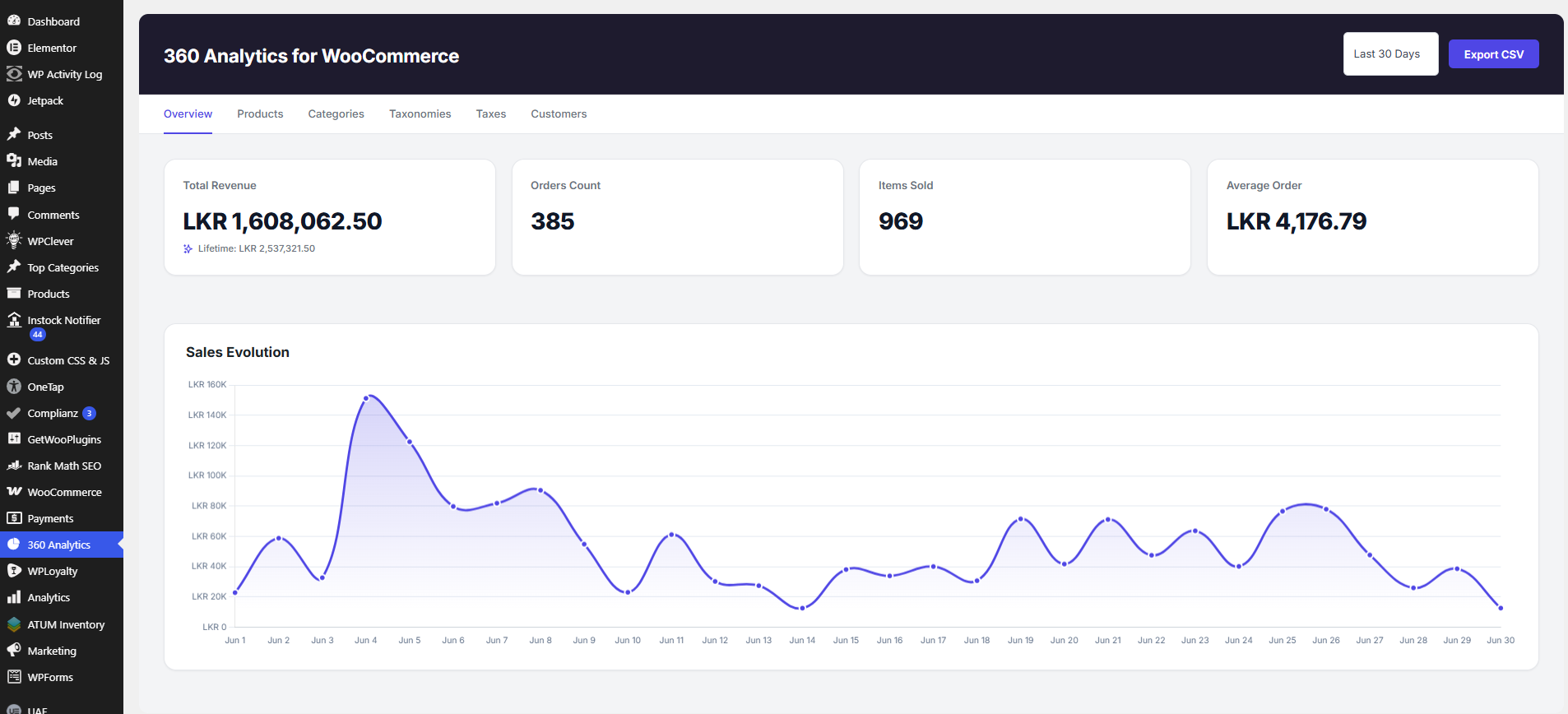
- Modern Overview Dashboard: A professional KPI grid displaying Total Revenue, Lifetime Revenue, Orders Count, Items Sold, and Average Order Value, alongside an interactive Sales Evolution line chart.
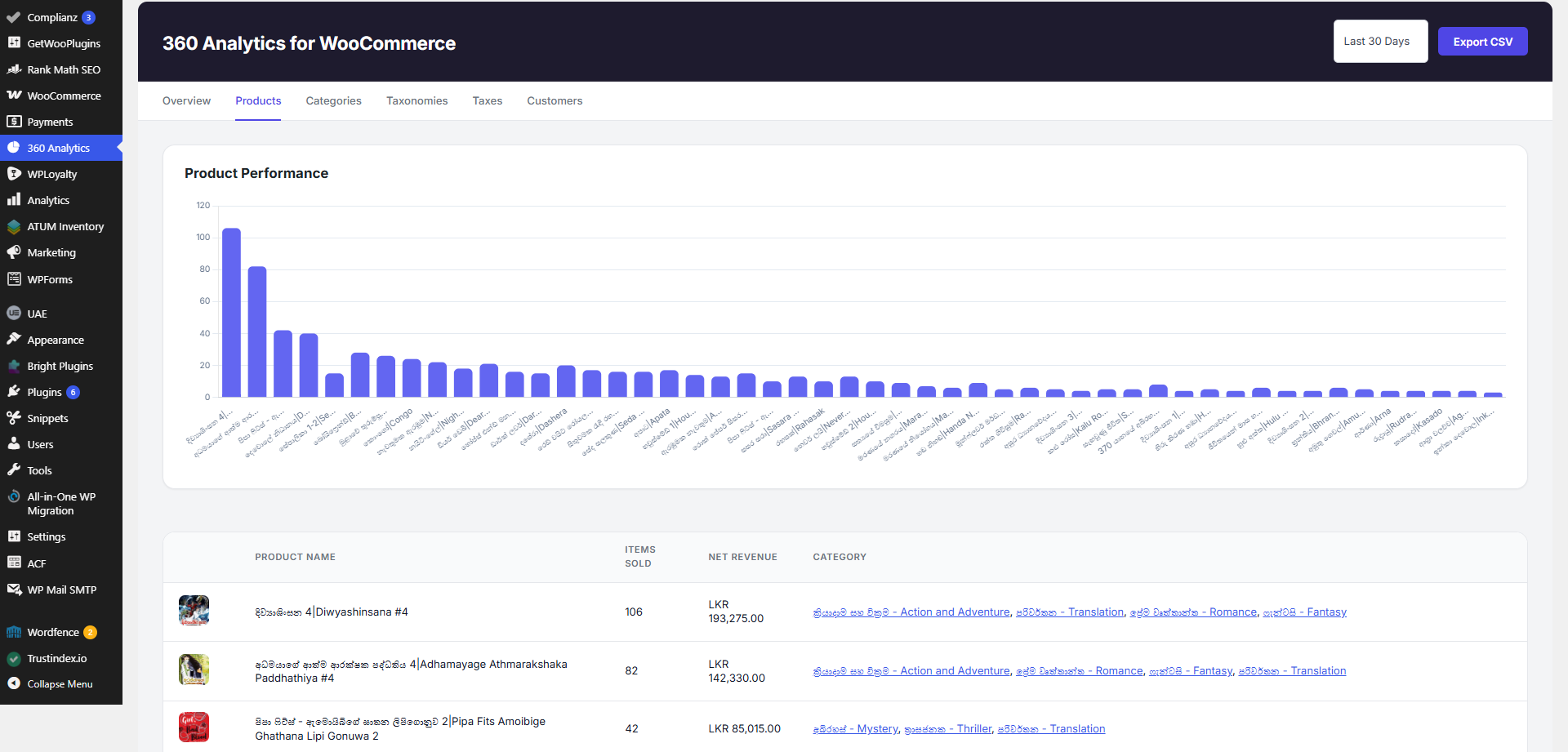
- Product Performance Reports: Identify your top-performing products, quantities sold, total revenue generated, and order counts.
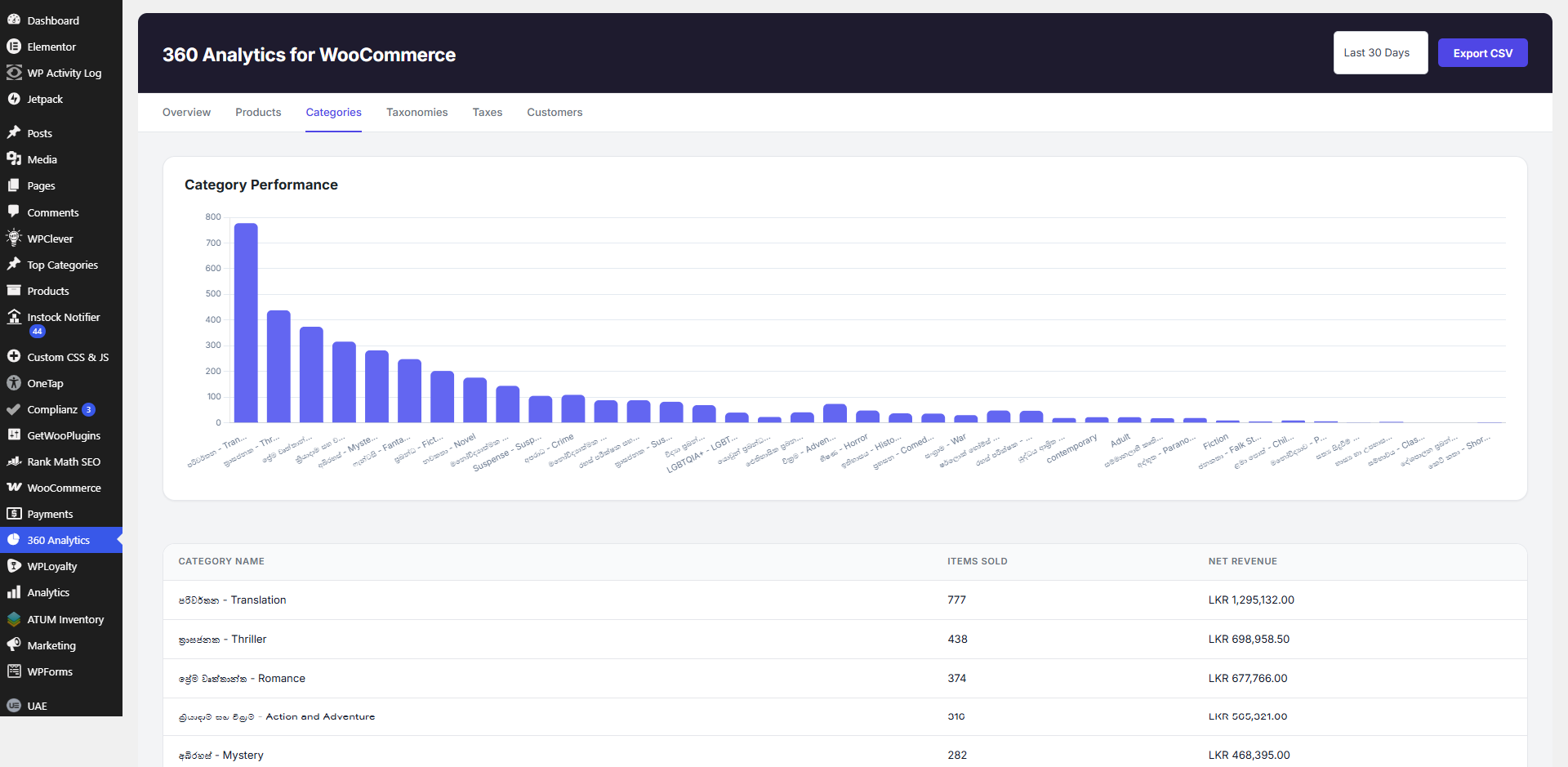
- Category Analysis: See which product categories drive the most sales to optimize your inventory.
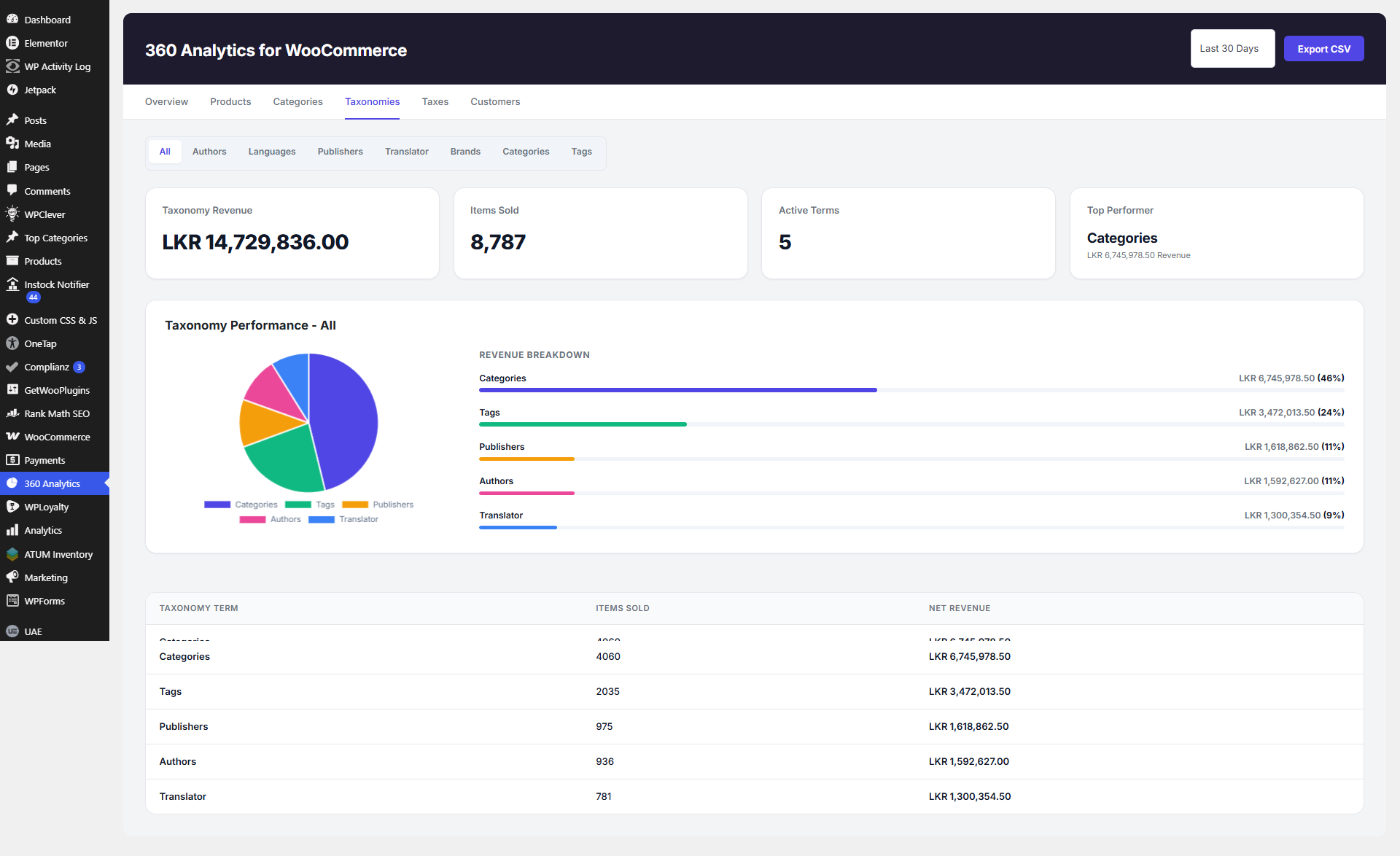
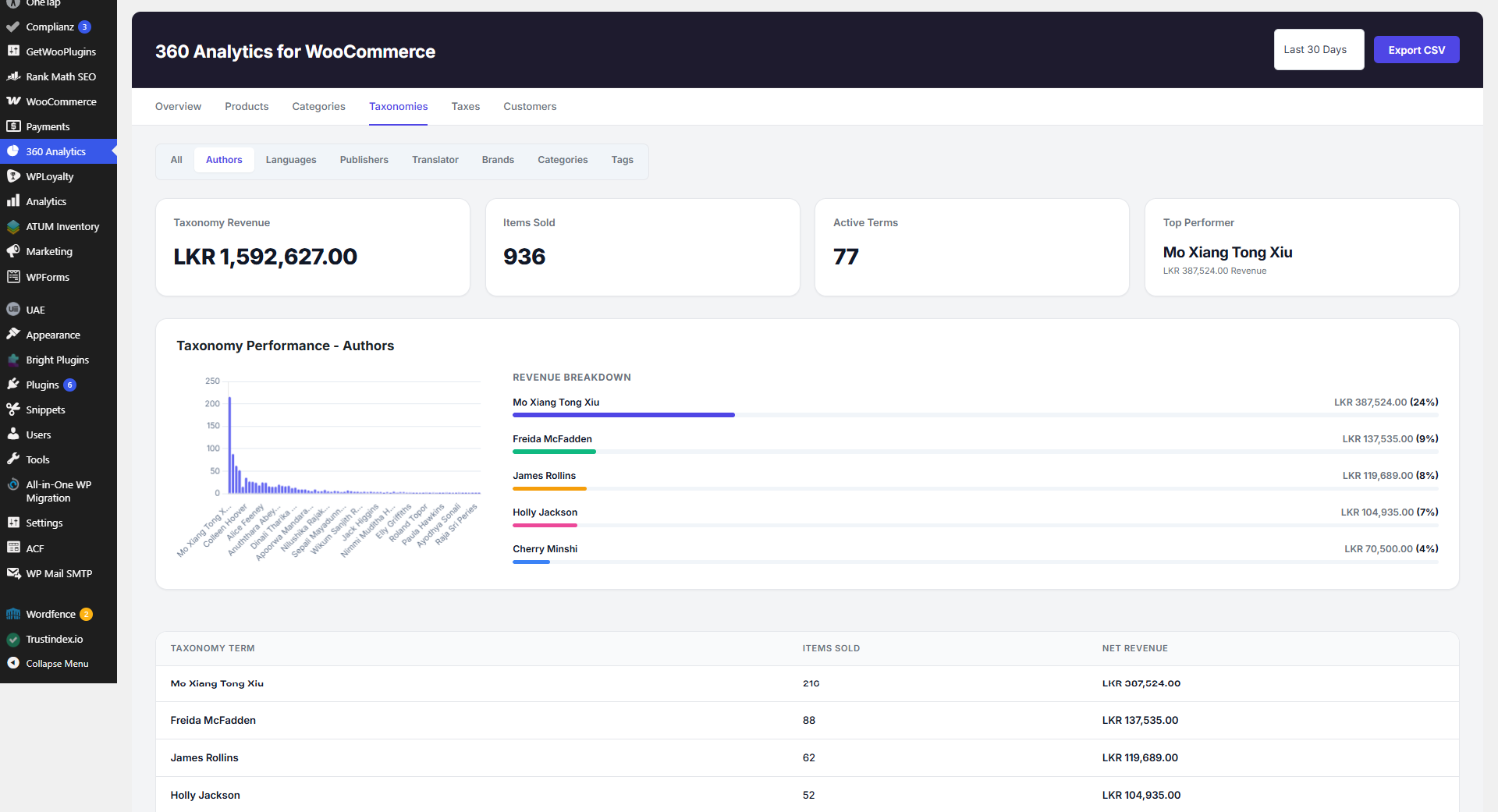
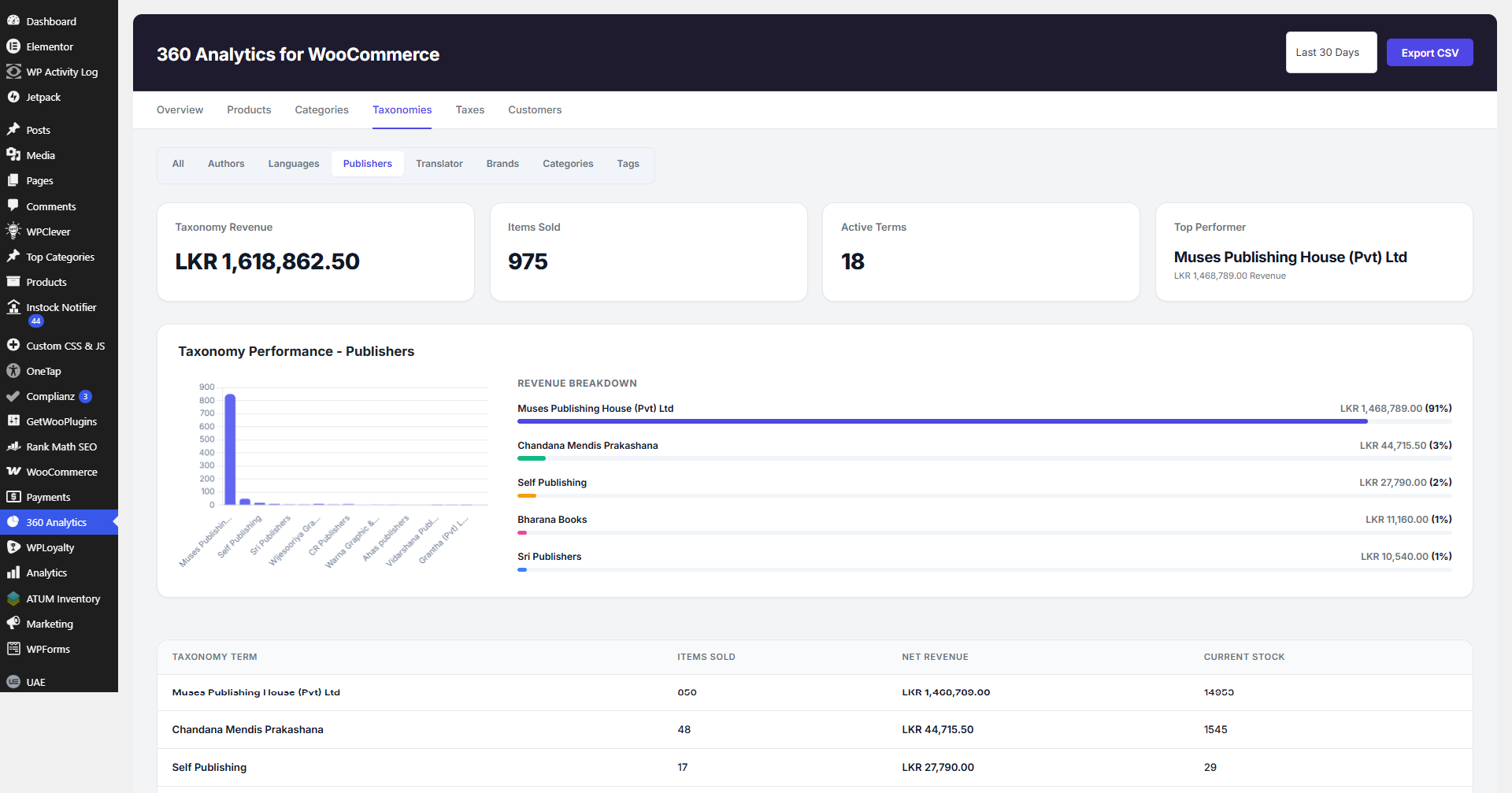
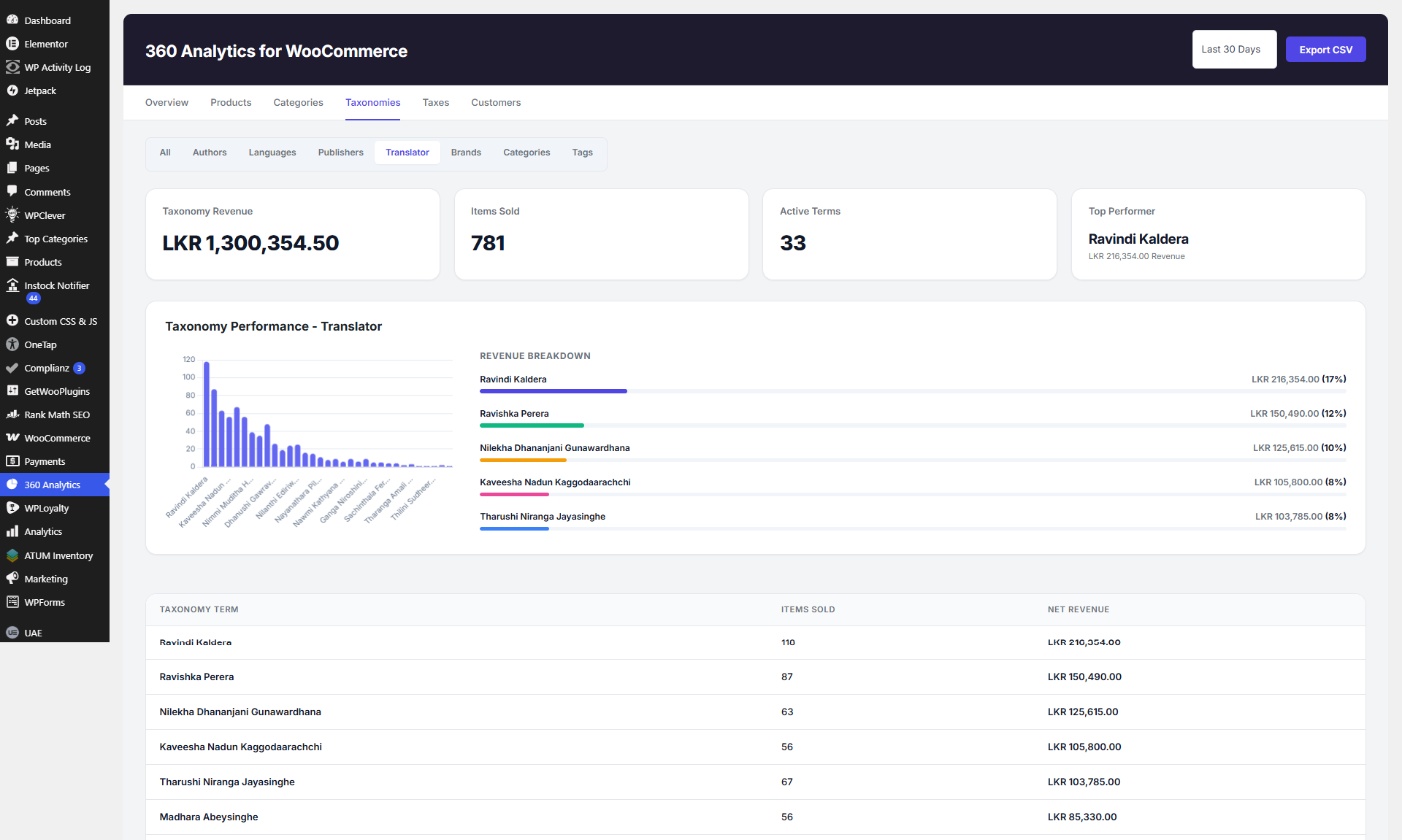
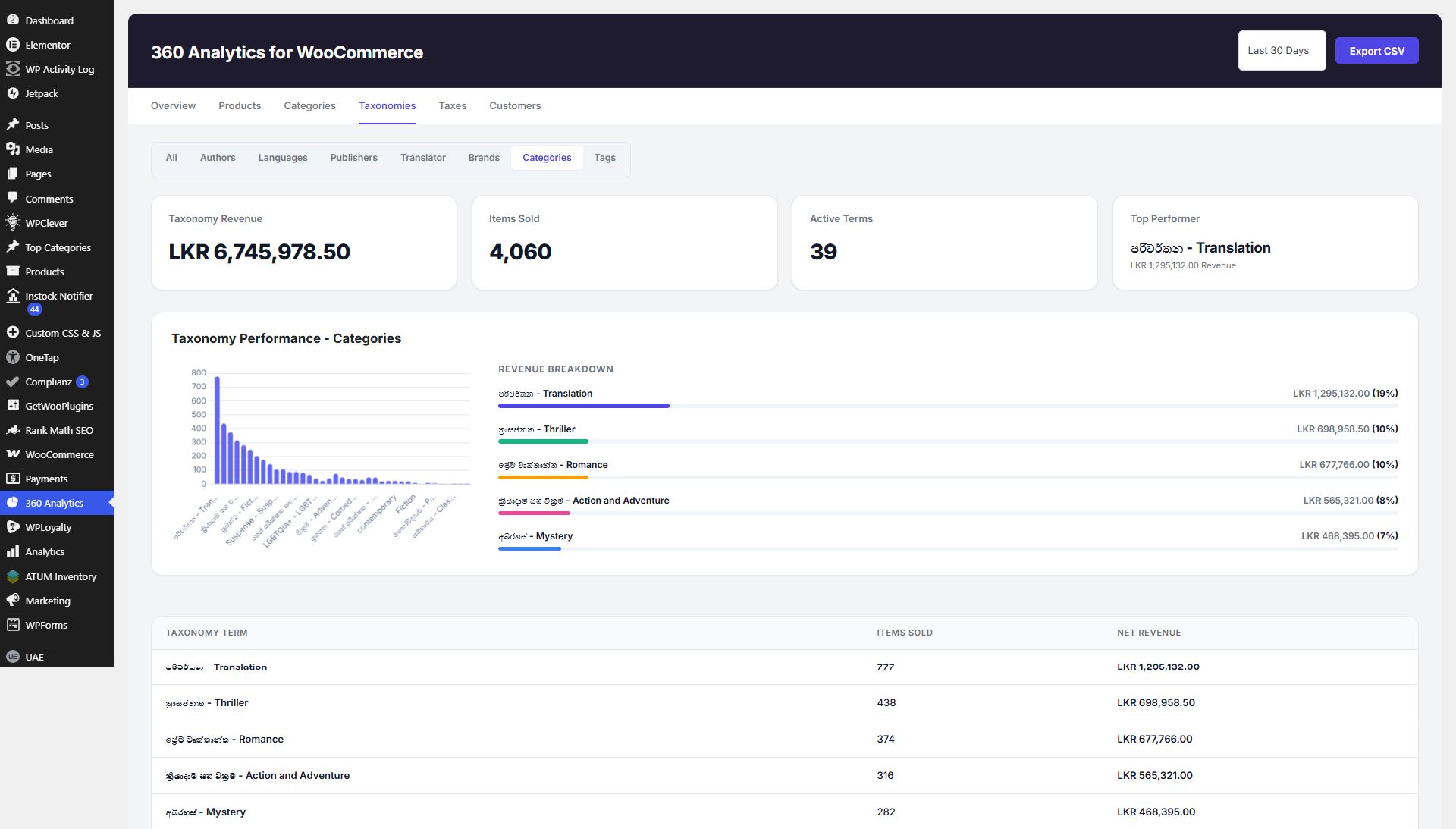
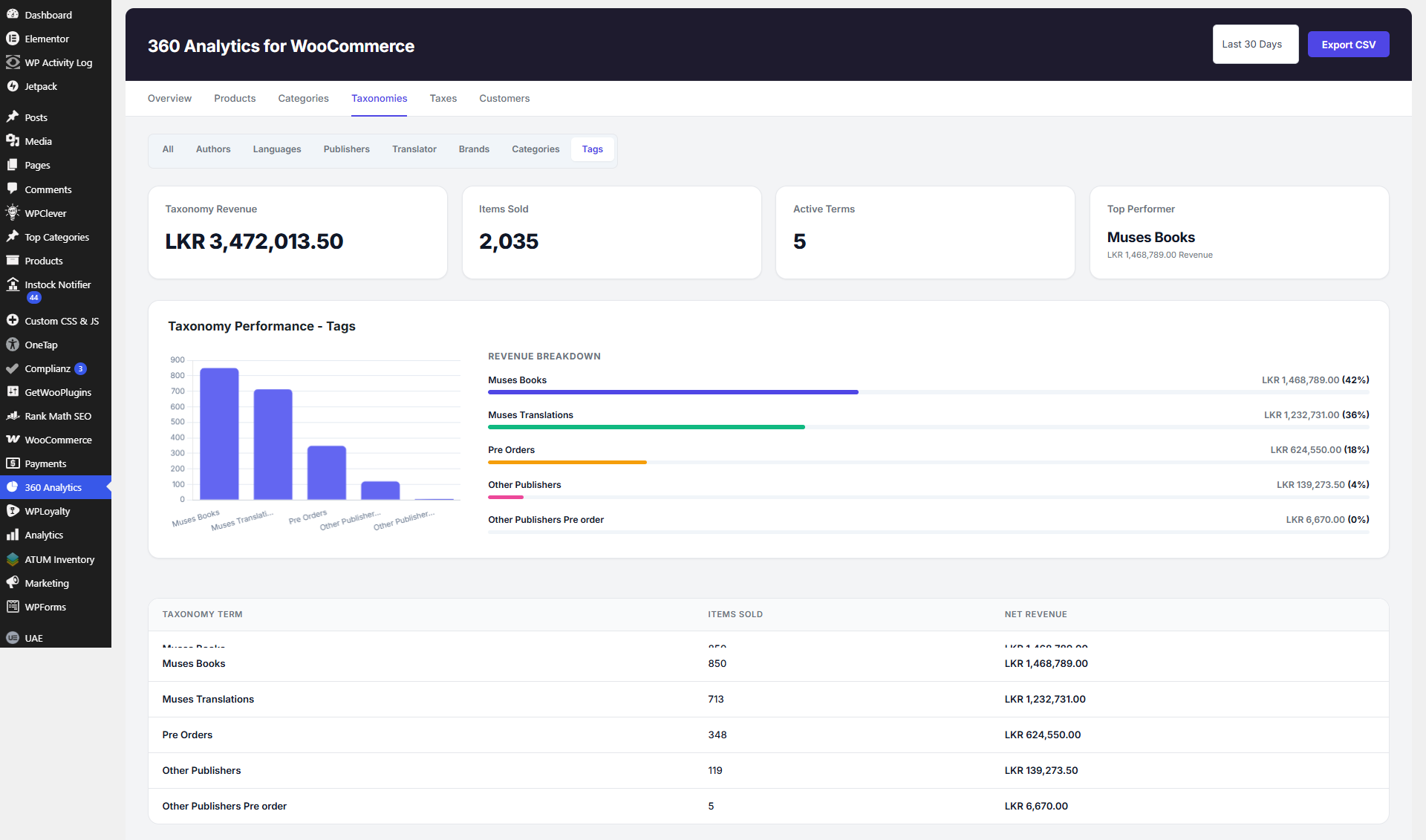
- Custom Taxonomy Reports: Fully supports custom taxonomies (e.g., brands, publishers, tags) with customized bar charts and performance breakdowns.
- Tax Breakdown Reports: View clear reports on taxes collected per order.
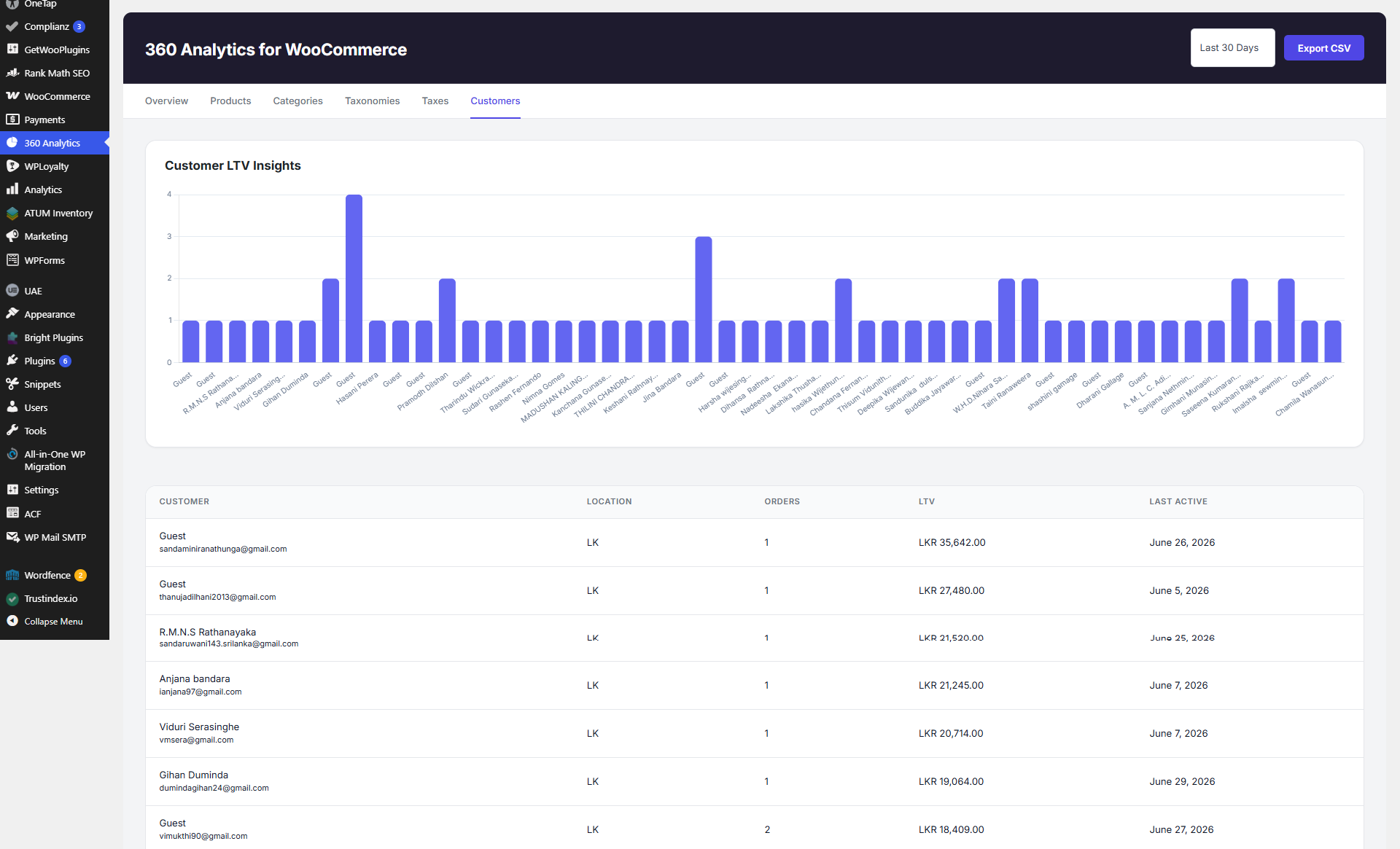
- Customer Insights: Keep track of returning customer behaviors, item counts, and revenue contribution.
- Quick CSV Exports: Export any report to CSV with a single click for offline auditing and sharing.
Screenshots
Installation
- Ensure you have WooCommerce installed and activated on your store.
- Upload the plugin files to the
/wp-content/plugins/360-analytics-for-woocommercedirectory, or install the plugin through the WordPress plugins screen directly by uploading the.zipfile. - Activate the plugin through the ‘Plugins’ screen in WordPress.
- Navigate to 360 Analytics in your WordPress admin menu to access your new reporting dashboard.
FAQ
-
Does this plugin require WooCommerce?
-
Yes. 360 Analytics for WooCommerce retrieves data directly from WooCommerce tables, so WooCommerce must be installed and active.
-
Where do I find the reports?
-
A new top-level menu item named “360 Analytics” will appear in your WordPress admin sidebar once the plugin is active.
-
Can I export the data?
-
Yes. Every report table (Products, Categories, Taxonomies, Taxes, Customers, etc.) features an “Export CSV” button to download data instantly.
-
Does it support custom product taxonomies?
-
Yes, it automatically detects and aggregates sales data for custom taxonomies like Brands or Publishers, displaying them in dedicated tabs.
-
Does this plugin slow down my site?
-
No. The plugin is built with optimized custom database queries (
$wpdb) and handles aggregation directly via the database, ensuring fast load times even with large volumes of orders without bloating your site. -
Are there any extra configurations needed?
-
No configuration is required! Just activate the plugin, and it will immediately start pulling in your existing WooCommerce order data.
Reviews
There are no reviews for this plugin.
Contributors & Developers
“360 Analytics for WooCommerce” is open source software. The following people have contributed to this plugin.
Contributors

Translate “360 Analytics for WooCommerce” into your language.
Interested in development?
Browse the code, check out the SVN repository, or subscribe to the development log by RSS.
Changelog
1.0.0
- Initial release.
- Added Overview, Products, Categories, Taxonomies, Taxes, and Customers tabs.
- Integrated Chart.js for beautiful visual data representation.
- Added CSV Export option for all tables.